Built for walk-in salons & barbershops

Run your salon from one app

Cashiers record every service in seconds. Owners see cash, POS and transfer sales next to expenses and net profit. Barbers see their own commission. Every shift closes with a cash reconciliation.

Free trial on every new salon. No card needed. Works offline and syncs when you are back online.

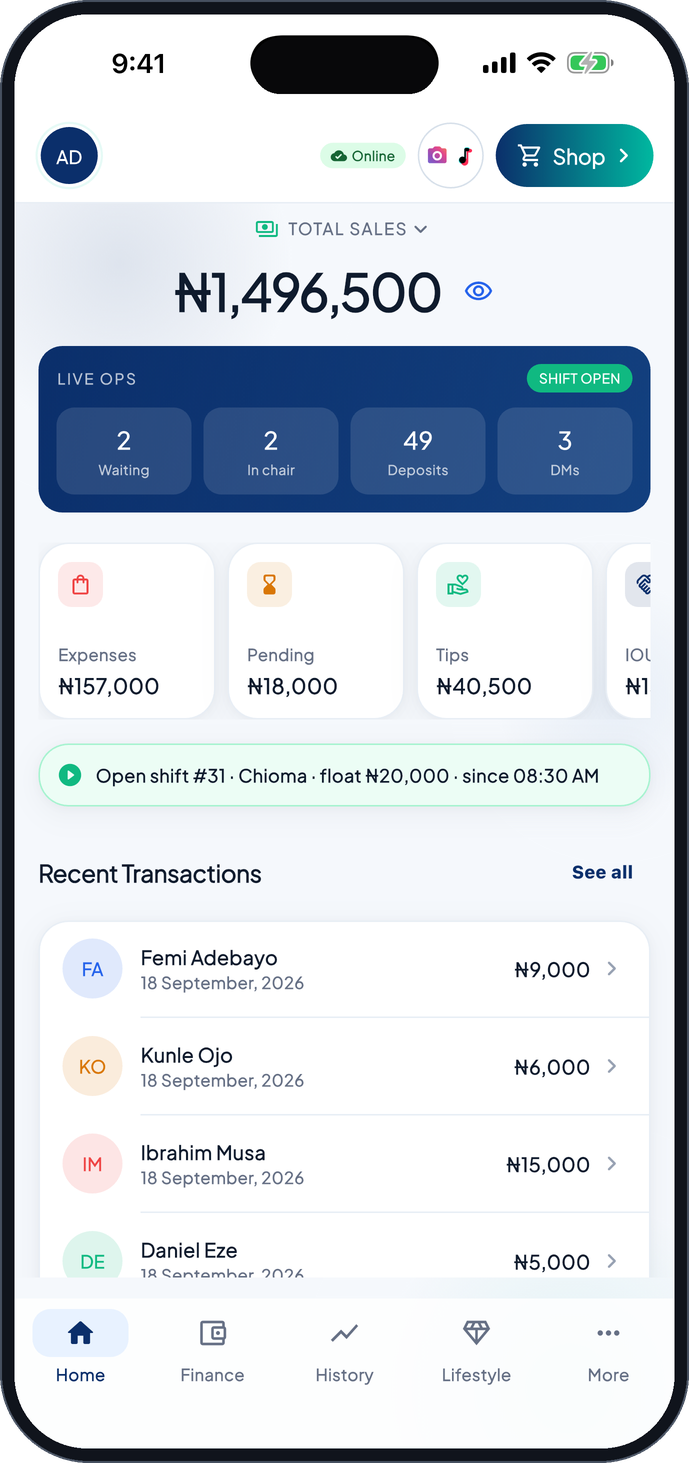
SalonBook owner dashboard on a phone showing total sales, live operations and recent transactions
Barber at work in a modern barbershop
4payment methods: cash, POS, transfer, IOU
3roles with their own PIN: owner, cashier, barber
Offlinekeeps working with no internet, syncs later
3 languagesEnglish, Urdu and Algerian Arabic
Everything the front desk and the back office need

Money in, money out, and who earned what

SalonBook is not a booking app. It is the till, the cash book and the payroll sheet for a busy shop, in one place.

Cashier terminal

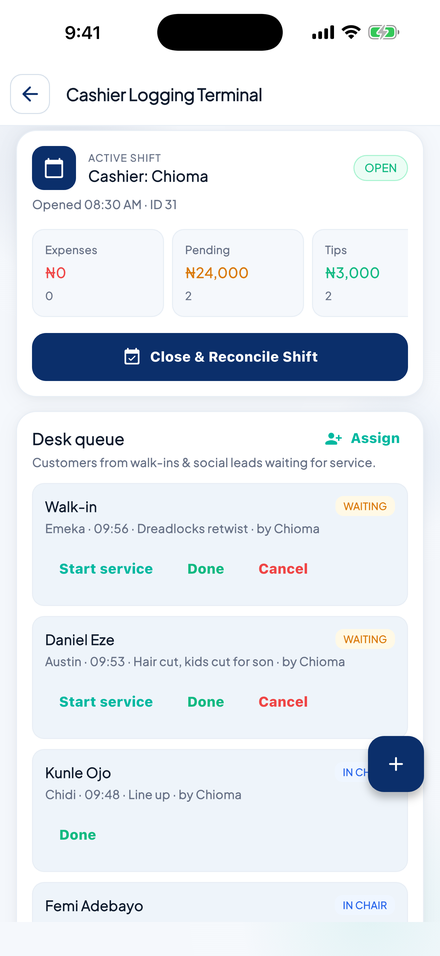
Open a shift with a float, log each service with barber, tip and payment method, and print or share the receipt.

Owner dashboard

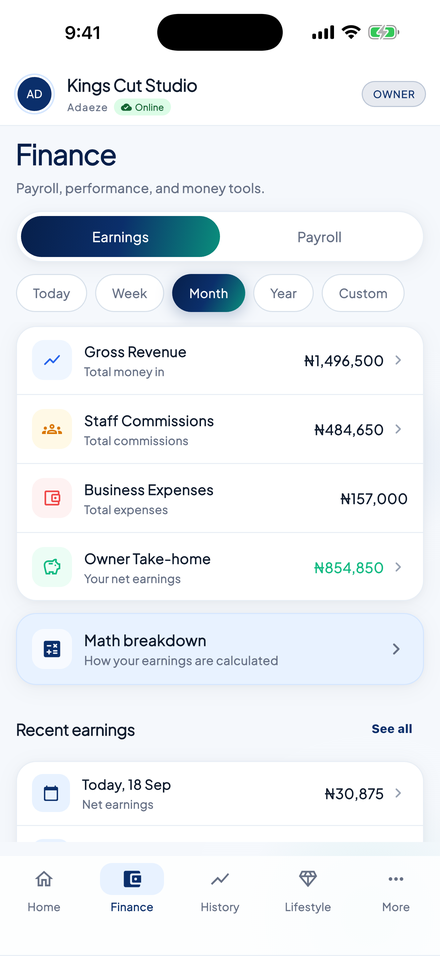
Total sales split by cash, POS and transfer, plus expenses, tips, IOUs and net earnings for today, this week, month or any range.

Shift reconciliation

Expected cash is calculated from the float, cash sales and cash expenses. Close the shift, count the drawer, and see match, overage or shortage.

Barber commissions

Tiered commission rules by monthly sales. Each barber signs in with a PIN and sees their own jobs, tips and earnings, nothing else.

Expenses, salaries and IOUs

Log generator fuel, rent and supplies with a category and receipt. Run staff payroll and approve or decline salary advances.

Bank statement matching

Import a POS or bank statement CSV and match it against transfers and card sales to catch missing or duplicate payments.

One shared till, three roles

Built around how a shop actually works

The owner signs in once on the shop device. Cashiers and barbers switch with a 4-digit PIN. Everyone sees only what their role needs.

Salon owner reviewing the day's figures
Owner

See the whole business

  • Sales, expenses and net profit by period
  • Commission rules, salaries and IOU limits
  • Shift reports and cash discrepancies
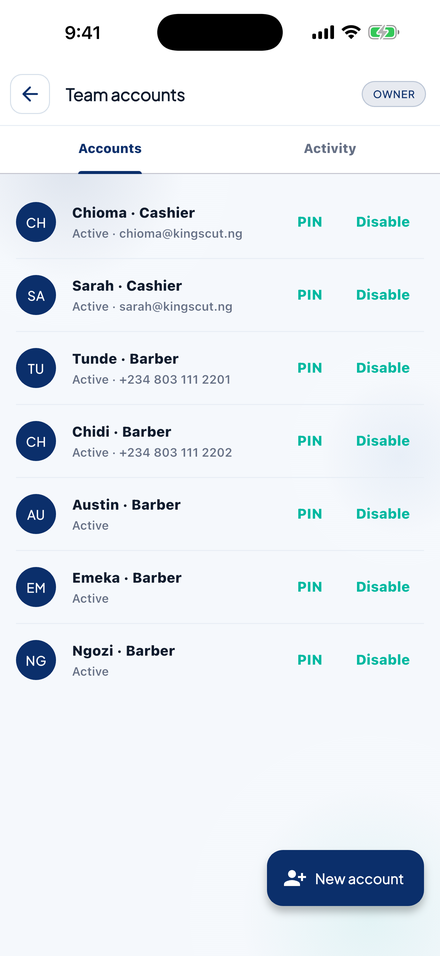
  • Team accounts and PINs
Cashier recording a sale at the front desk
Cashier

Run the front desk

  • Open and close shifts with a cash count
  • Record sales, tips and pending payments
  • Manage the walk-in queue by barber
  • Verify bank transfers
Barber styling a client
Barber

Know what you earned

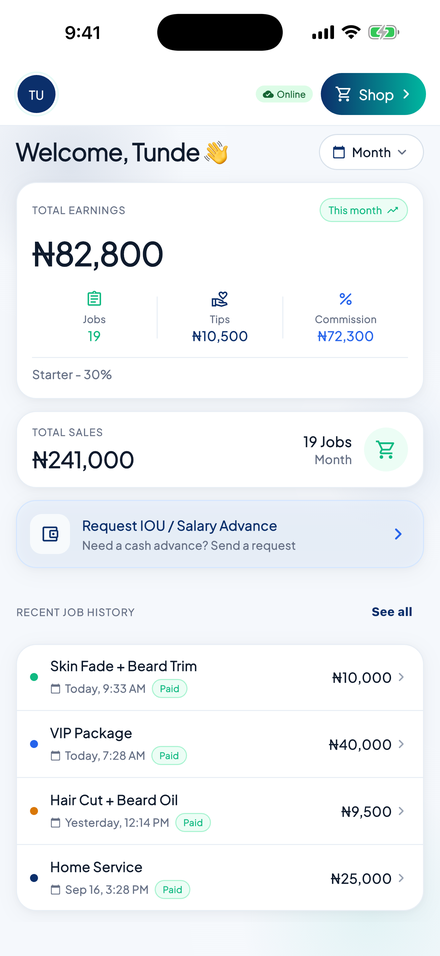
  • Jobs, tips and commission for the month
  • Current commission tier and next target
  • Request a salary advance
  • Private: only your own numbers
Real screens from the app

Clear, fast and made for a busy counter

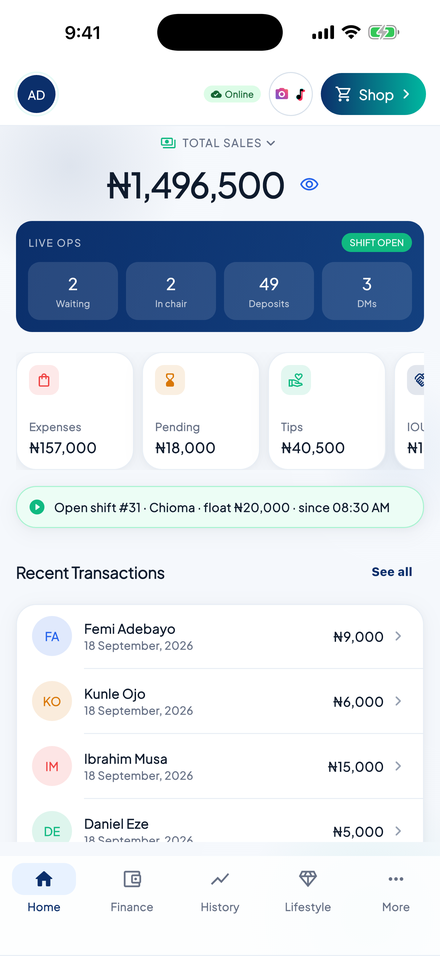
Owner home dashboard

Owner dashboard

Cashier terminal with open shift

Cashier terminal

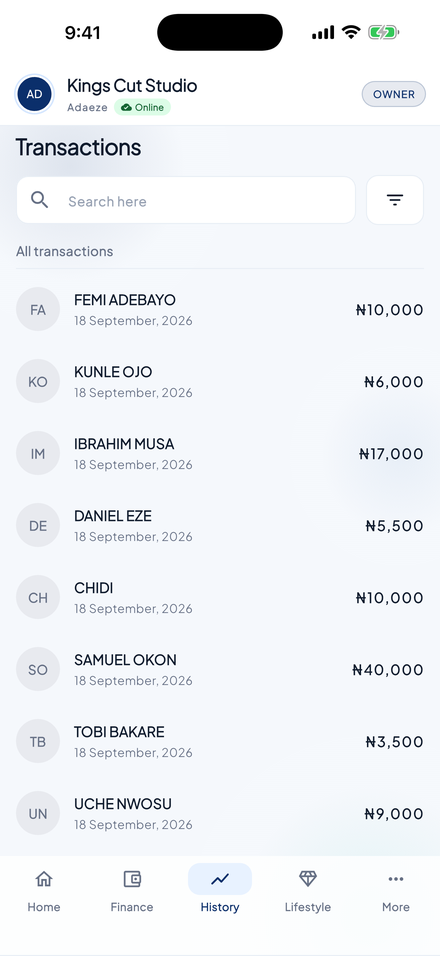
Transaction history

Transactions

Barber earnings portal

Barber earnings

Finance page

Finance & payroll

Team accounts

Team accounts

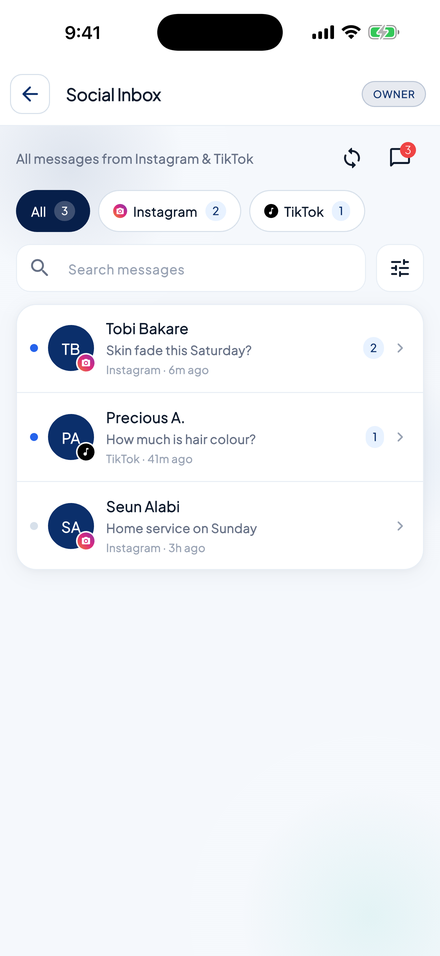
Social inbox

Social inbox

Simple pricing in Naira

Start free, upgrade when the shop grows

Every new salon starts on a free trial with all features. Plans are billed per salon, not per staff member.

Go

₦0/month

For a small shop that needs a proper till.

  • Cashier terminal, shifts and receipts
  • Owner dashboard and expenses
  • Up to 5 staff, 1 cashier
  • Commission tiers, salaries and IOUs
  • Advanced reports and barber earnings
Get started

Subscriptions are paid securely through Paystack. Prices shown are the current list prices and may change; the price in the app at checkout is the one that applies.

Questions

Frequently asked

Is SalonBook a booking or appointment app?

No. SalonBook records what happens after the service: the payment, who did the work, tips, expenses and the cash count. Many shops use it alongside WhatsApp or Instagram for bookings.

Does it work without internet?

Yes. Sales, shifts and expenses are saved on the device first and sync to the cloud when you are back online. Nothing is lost when the network drops mid-shift.

Do my staff need email addresses?

No. The owner signs in with email and password on the shop device. Cashiers and barbers then switch with a name and 4-digit PIN.

Can I use it on a computer?

Yes. The same app runs in the browser with a side navigation on larger screens, so an owner can review figures on a laptop while the till runs on a phone or tablet.

How do I delete my account and data?

From the app: More → Delete account. Or use the account deletion page and we will remove the salon's data within 30 days.

Open a shift today

Create your salon, set a PIN, and record your first sale in under five minutes. Free trial on every new salon.